Cloudflare
Cloudflare is a holistic cloud provider offering services such as public DNS resolution over 1.1.1.1, domain registration, website hosting, and zero trust connectivity to private resources through Cloudflare Tunnel, among others. In my experience, I have used it to register two FQDNs and to deploy this website using Cloudflare Pages.
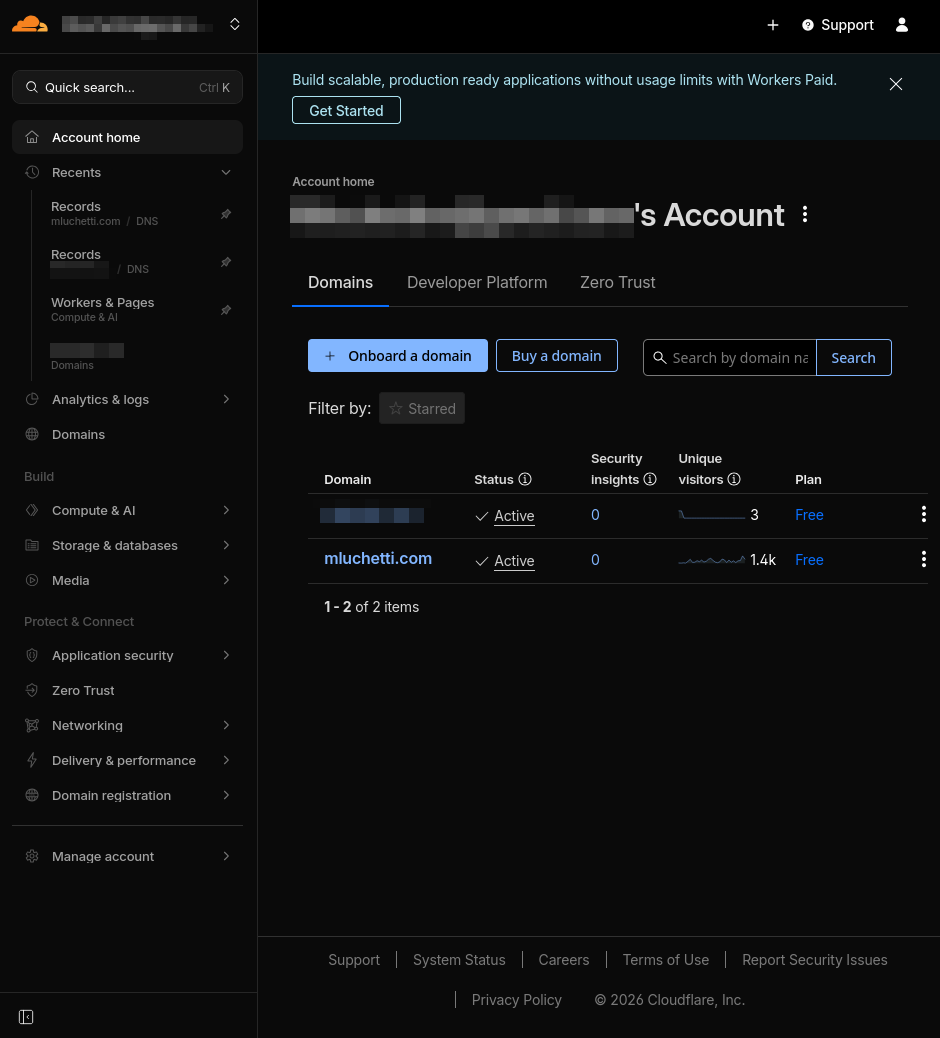
Cloudflare dashboard
Configuration
To get started with Cloudflare, I created an account and acquired a FQDN for homelab use, and another one for this website.
Homelab DNS records
For my homelab setup, I want to be able to access public-facing resources from the WAN, and private resources from my Tailscale network. To do this, I created an A record using the wildcard *.mydomain.com that points to the public IPv4 address of my DigitalOcean VPS proxy, and another A record with the wildcard *.ts.mydomain.com pointing to my Pi's Tailscale IPv4 address.
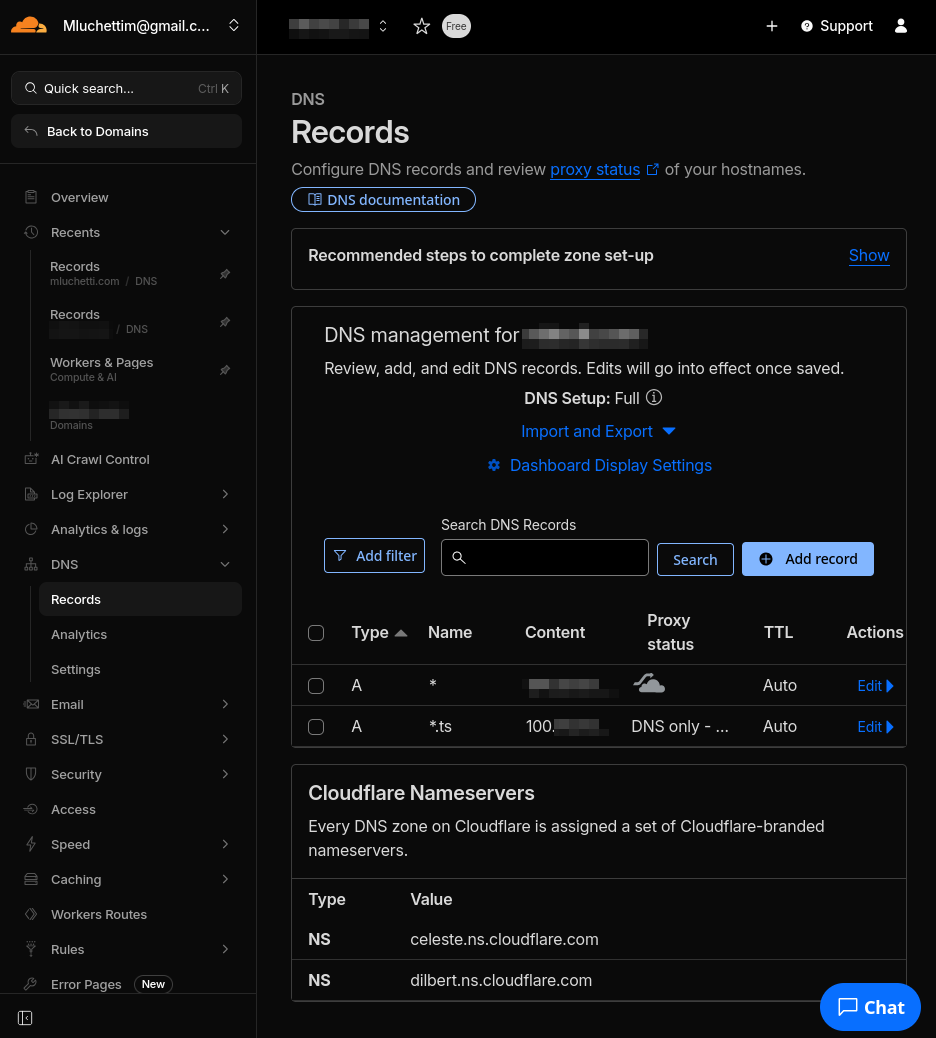
Cloudflare DNS records
mluchetti.com
To host this website on Cloudflare's servers, I needed to configure an application in Cloudflare Workers & Pages. The first step was to integrate Cloudflare W&P with my GitHub account and grant it access to the website's repository:
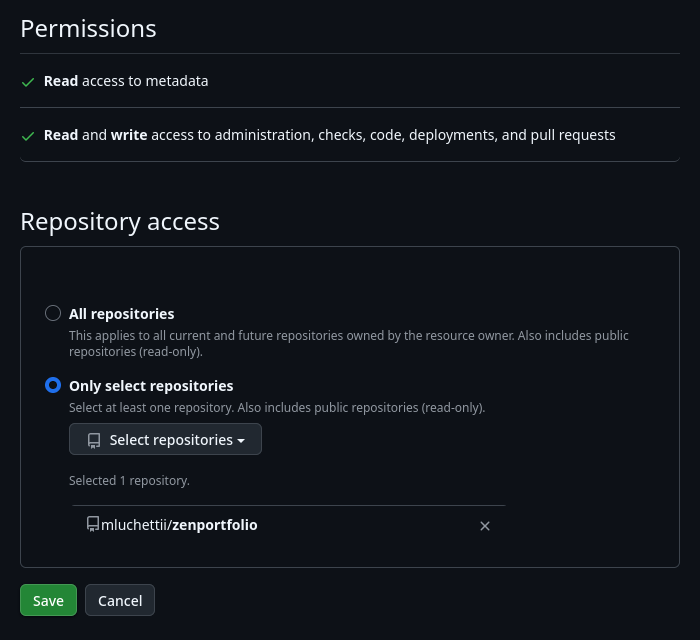
Cloudflare Workers & Pages GitHub integration
Back on the Cloudflare W&P dashboard, I clicked Create application and then Continue with GitHub, selecting the zenportfolio repository. For the Zensical static site builder to deploy correctly, I entered the following build command: pip install -r requirements.txt && zensical build --clean, where requirements.txt is located in the project's root directory and contains one line: zensical. Upon completing this setup, Cloudflare will deploy the site from the repository and create a CNAME record for mluchetti.com that points to the actual site Cloudflare has created to host the content (e.g., zenportfolio-site.pages.dev).
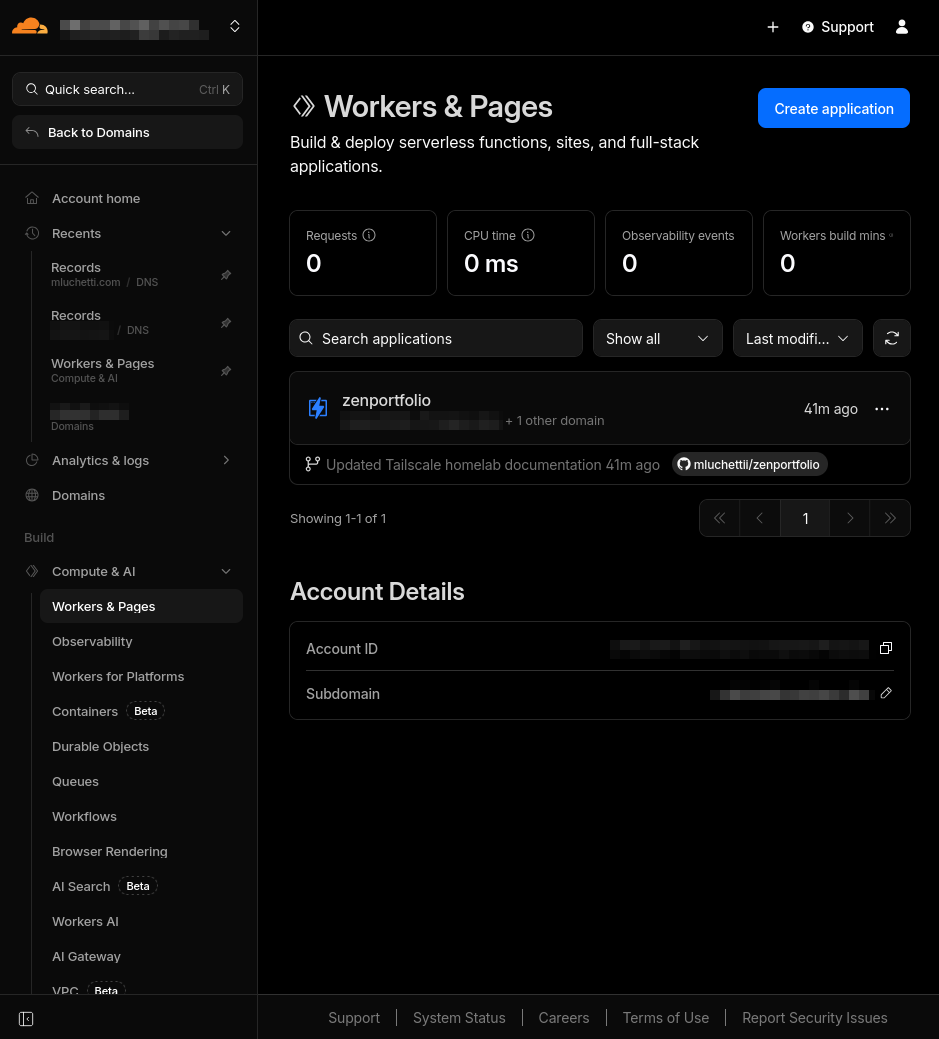
Cloudflare Workers & Pages
Now, when I push changes to the repository, CloudFlare W&P will detect this and deploy a clean build of the site.
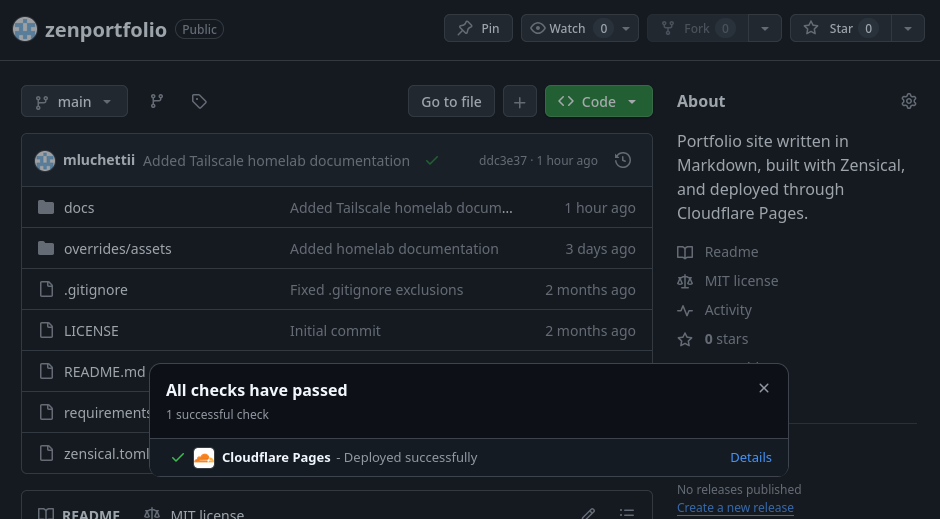
Cloudflare Pages deployed successfully